The UK Home Office Ergonomics Checklist: 12 Adjustments for a Healthier Desk Day

Most desk problems don't announce themselves. You notice them at four in the afternoon, when your shoulders have crept up towards your ears and your lower back has started to make its opinion known. The good news is that nearly everything causing that discomfort is adjustable, and usually without spending anything. What follows is a working checklist, the same sequence worth running through whenever you set up a desk, whether it's a corner of the kitchen or a proper study. Work through it in order. The boring steps matter most, because that's usually where the strain is hiding.
Chair height comes first. Sit down, put both feet flat on the floor, and adjust until your hips are level with your knees or very slightly above them. If your desk is a fixed height and the chair has to rise to meet it, your feet will end up dangling, which loads the backs of your thighs. A footrest solves this, and a sturdy box or a stack of old folders does the job just as well as anything bought new.
Slide back until your bottom is against the backrest. You should be able to fit two or three fingers between the back of your knee and the front edge of the seat. Any less and the edge digs in; any more and you'll slump forward to find support. Then set the backrest so the curve sits in the small of your back, not across your shoulder blades. Most chairs adjust up and down here, and a folded towel wedged behind the lumbar area is a legitimate fix when they don't.
Raise the monitor until the top line of text sits at or just below eye level. If you wear varifocals, you may prefer the screen noticeably lower, so you're looking through the reading portion rather than tilting your chin up. Sit roughly an arm's length away, which is usually somewhere between 50cm and 70cm, then tilt the screen back a few degrees so it faces you squarely.
Laptops are the awkward one, because the screen and keyboard are joined at the wrong angle for both jobs. Raise the laptop on a stand or a pile of books and add a separate keyboard and mouse. It feels fussy for the first day and then you stop noticing, which is the point.
With the keyboard in place, your elbows should sit at about 90 degrees or slightly wider, forearms roughly parallel to the floor, shoulders down. Lay the keyboard flat, or with the back edge slightly lower than the front. Many keyboards have small feet at the back that tilt them upwards; folding those away often does more for wrist comfort than any accessory. Keep wrists straight and floating while you type, using a wrist rest between bursts of typing rather than leaning on it constantly.
Bring the mouse close to the keyboard, at the same height, so you aren't reaching across your body all day. If your work is mouse-heavy, a compact keyboard buys you a few useful centimetres, and learning a handful of keyboard shortcuts cuts the number of trips your hand makes. Alternate hands for simple tasks where you can. Small changes, repeated hundreds of times a day, add up.
Daylight is best, but position matters more than quantity. Light coming from the side works well. A window directly behind your screen creates glare and forces your eyes to work harder; a window directly behind you puts reflections on the glass. If your room only allows one of those arrangements, blinds and a repositioned desk are the usual answers.
Place a desk lamp to the side of your dominant hand, angled so it lights your paperwork without bouncing off the screen. For screen brightness, hold a sheet of white paper next to the monitor under the same light and adjust until the two look roughly similar. If you find yourself leaning in, the fix is usually a larger text size rather than a brighter screen.
No arrangement of furniture protects you if you stay in it for four hours without moving. Change position every 30 to 45 minutes, even briefly. Stand up between tasks, roll your shoulders, walk to the kettle. If you use a standing desk, alternate rather than standing all day; the switching is what helps, not the standing itself.
Run the whole sequence once properly and it should take about ten minutes. Then revisit it whenever something changes: a new chair, a second screen, a different room, or a new ache that appears in the same place each afternoon. That ache is usually information about your setup rather than something to push through.
Keep an eye on how you feel by the end of the week. If discomfort lasts beyond a few days, or comes with numbness or tingling in the hands, wrists or arms, speak to a GP or physiotherapist rather than adjusting your way around it.
A good desk setup should be forgettable. You shouldn't notice it at all, which is precisely how you'll know it's right.
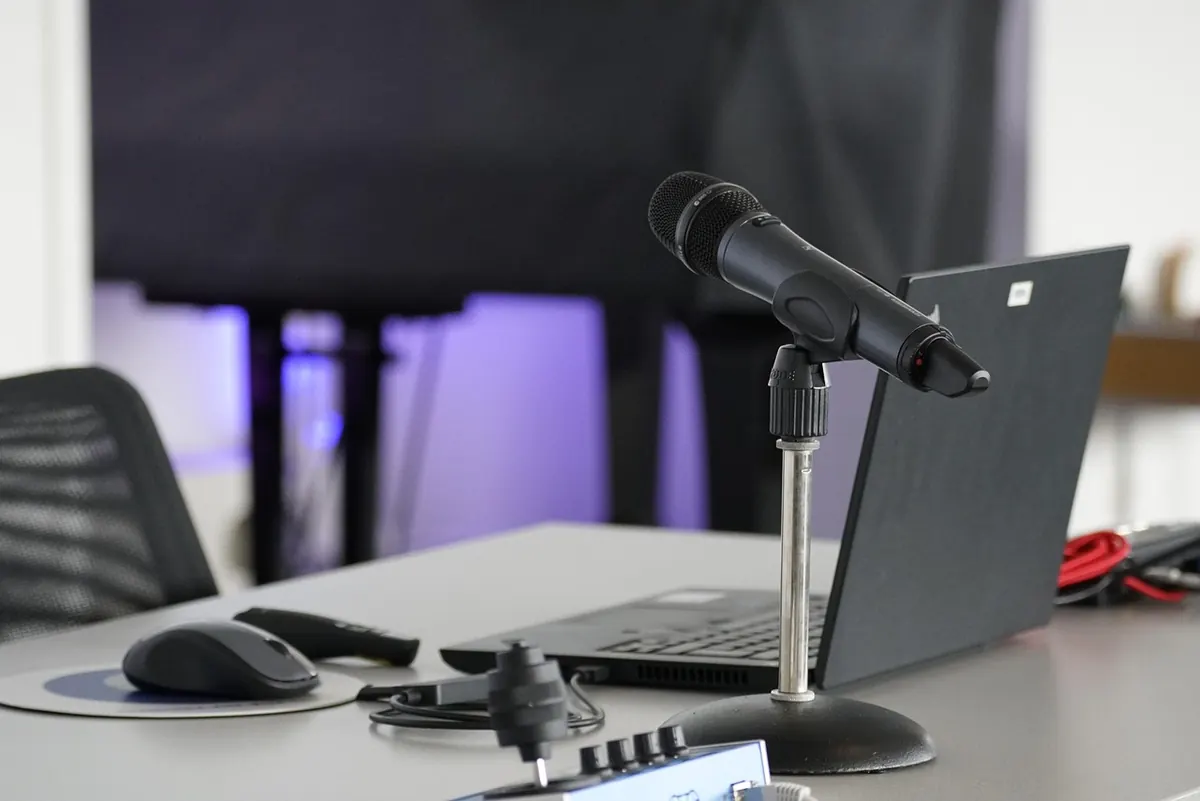
Photo: mozlase__ / Pixabay
Previous Post
How to Set Up a Home Office in a Rented Flat Without Drilling Walls
Next Post
Standing Desk vs Sitting Desk: Which Is Better for a Small UK Home Office?